Live audio & video
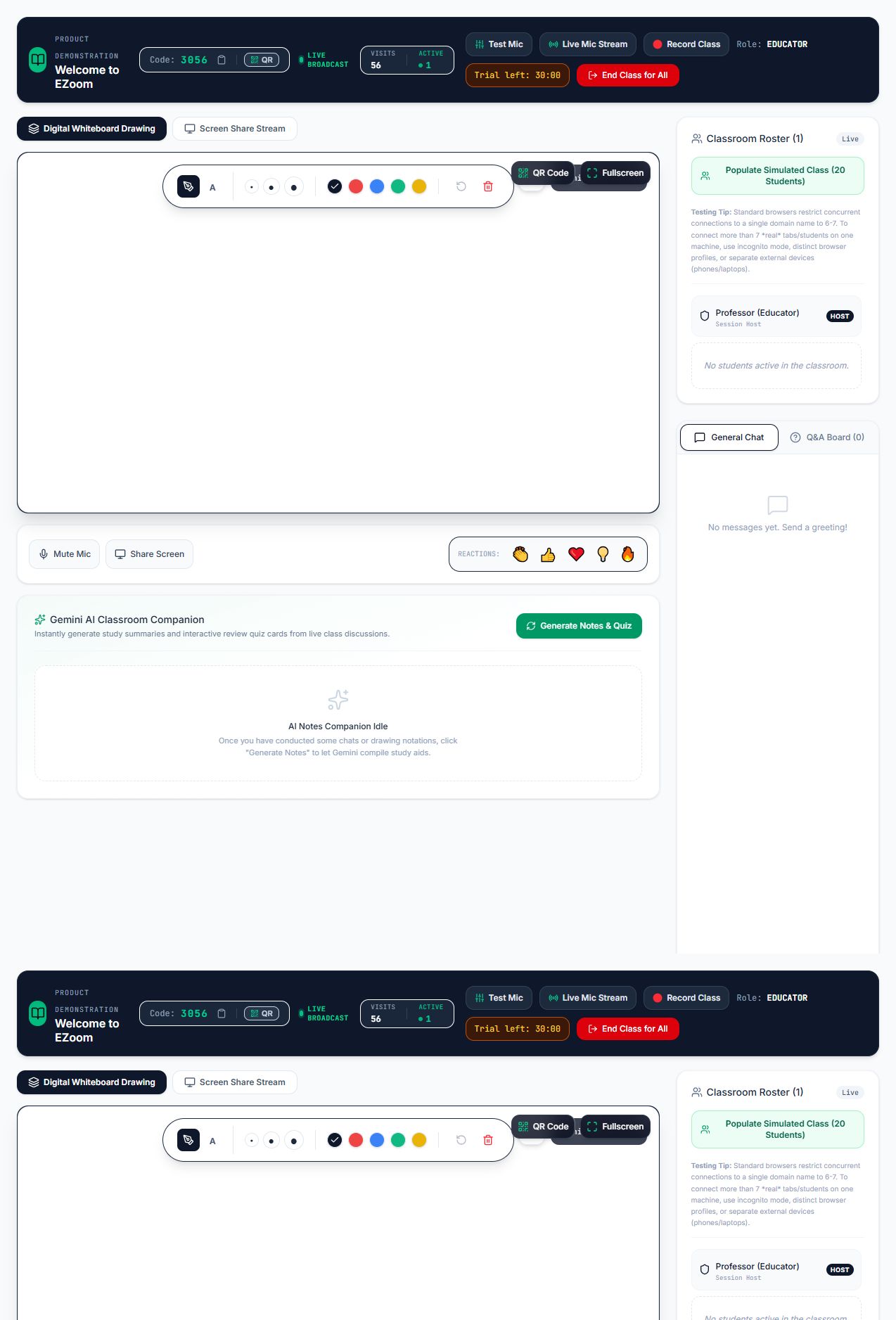
Educators broadcast camera and microphone to every student in the room.
Open virtual classroom platform
EZoom gives educators a focused space for live video, voice, screen sharing and secure student access—without a complicated setup.
Built for learning
Educators broadcast camera and microphone to every student in the room.
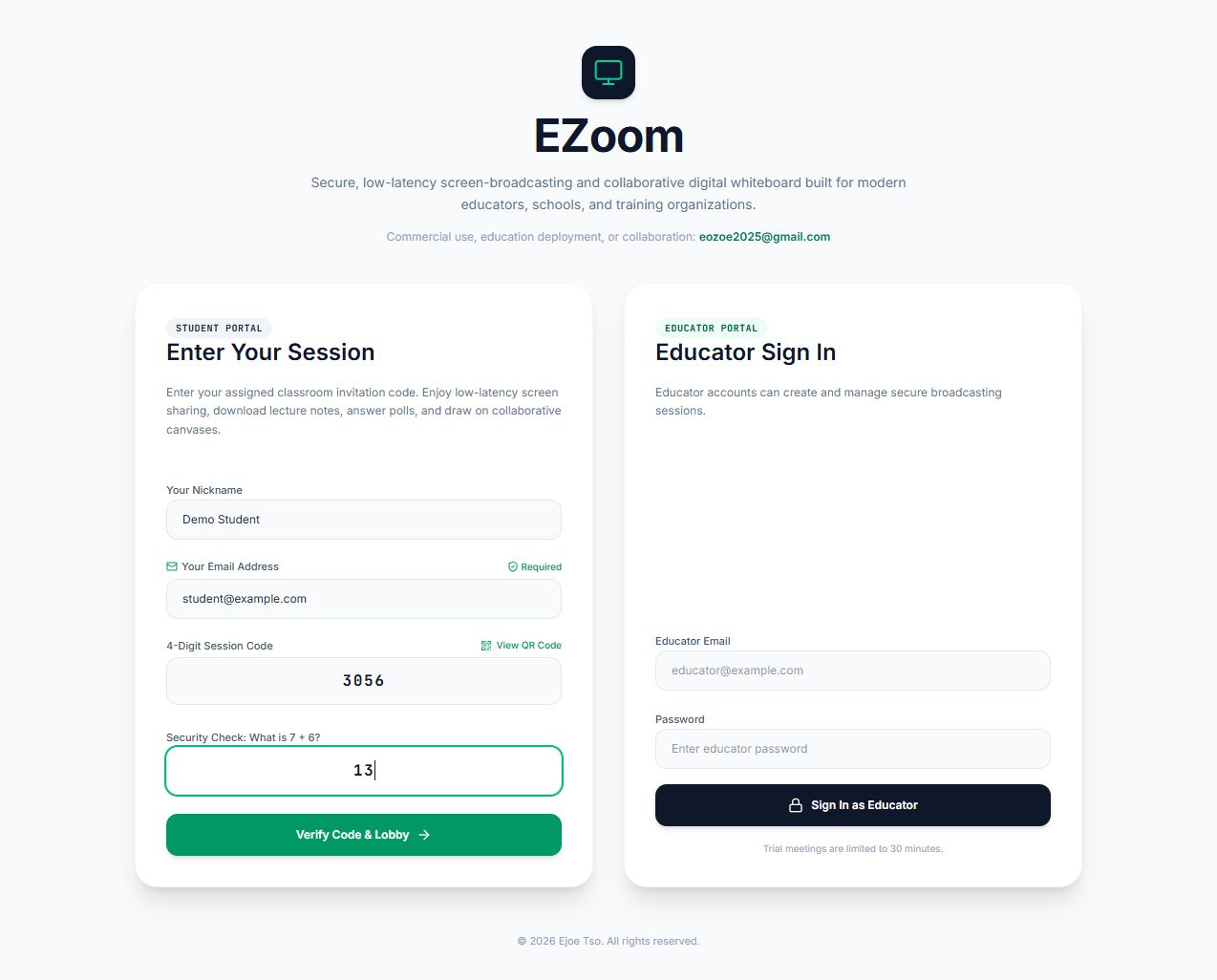
Students join with a session code, name, email and simple math security check.
Run EZoom on your own computer or server with Docker and keep control of deployment.
Research-to-product map
The published framework identifies important design priorities for synchronous learning. EZoom turns those priorities into a focused, practical teaching workflow.
Teaching presence
Live camera, microphone and screen sharing help educators explain, demonstrate and guide the room from one workspace.
Student participation
A room code, learner details and a simple security check give students a clear route into the live session.
Social presence
Real-time educator video and audio give learners a common point of attention and a stronger sense of being present together.
Learning orchestration
Room creation, secure joining and live teaching stay connected, reducing the setup burden that can interrupt classroom momentum.
Simple licensing
Introductory prices in USD, excluding tax. Annual plans include product updates and standard email support.
Community
Personal evaluation
Professional
One organisation · one deployment
Institution
Multi-department deployment
Cloud Starter
Billed annually
Cloud Pro
Billed annually
Cloud Campus
For larger organisations
Participant limits are service targets and depend on deployment capacity. Final scope, support and infrastructure are confirmed in the licence quote.
EZoom for education
Schools, registered charities, vocational providers and higher-education institutes may request a renewable 12-month EZoom self-hosted Institution licence at no licence cost.
Applications & enquiries
Apply for an education-institute free licence or ask about self-hosted, cloud and collaboration options. Your submission will be collected securely by Netlify Forms.
Prefer email? eozoe2025@gmail.com
See EZoom in action
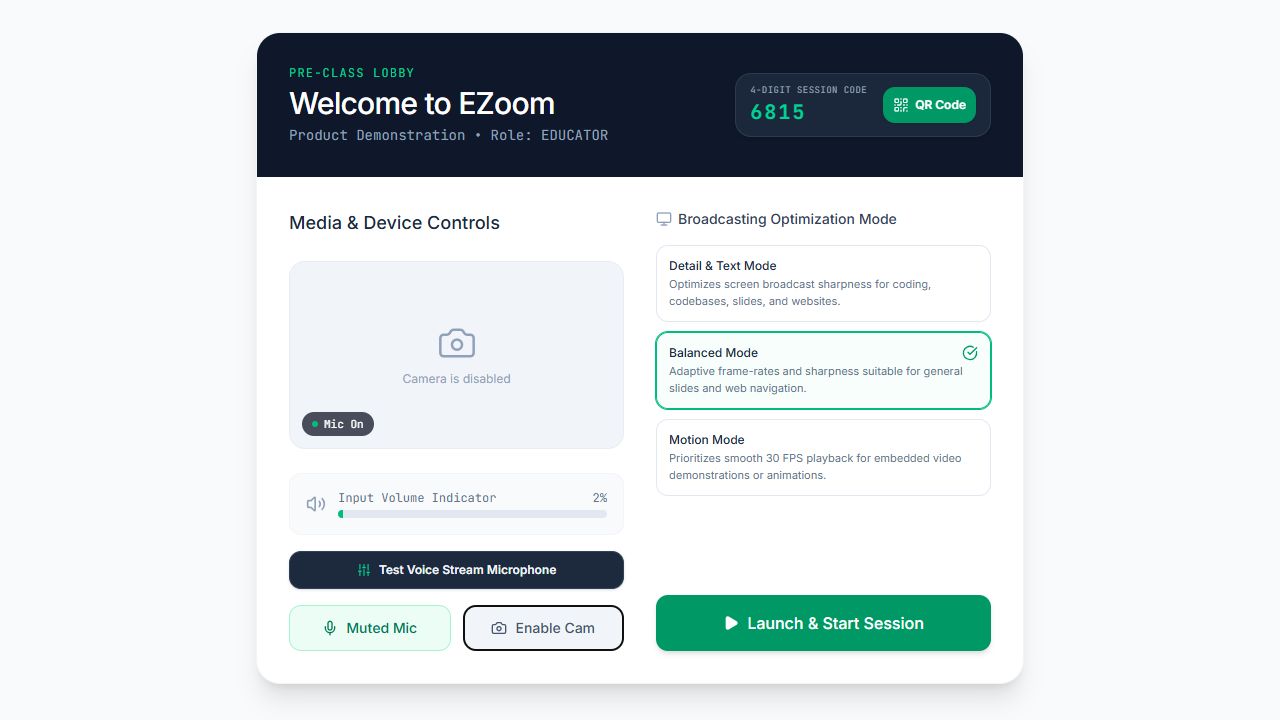
The complete walkthrough shows the educator and student experience.
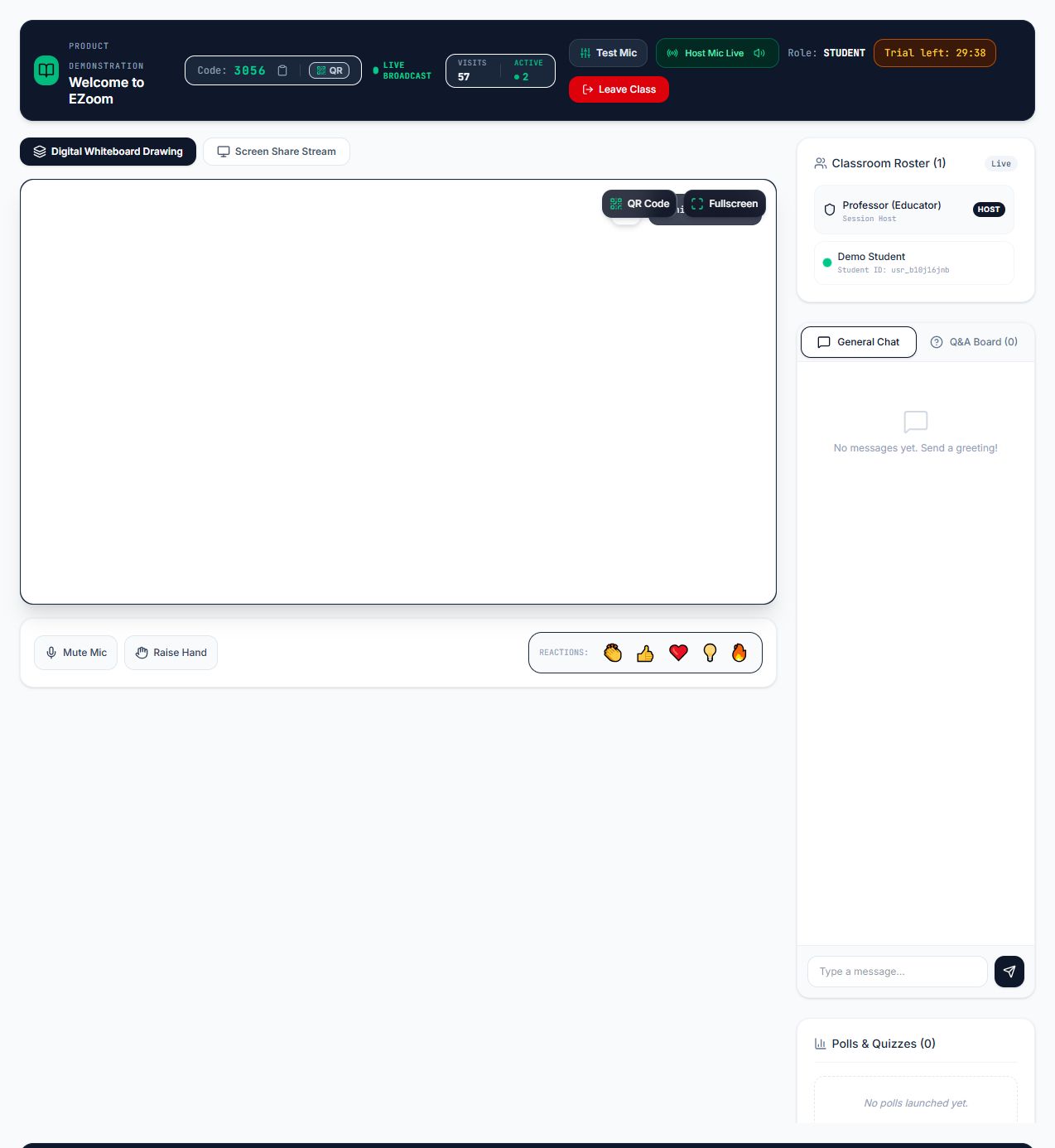
Three simple steps
The educator signs in and creates a secure live session.
Students receive the room code or scan the local-network QR code.
Start the camera and microphone, then teach from one focused workspace.
Ready to explore?
Download the project from GitHub, follow the implementation guide, and launch your first classroom.